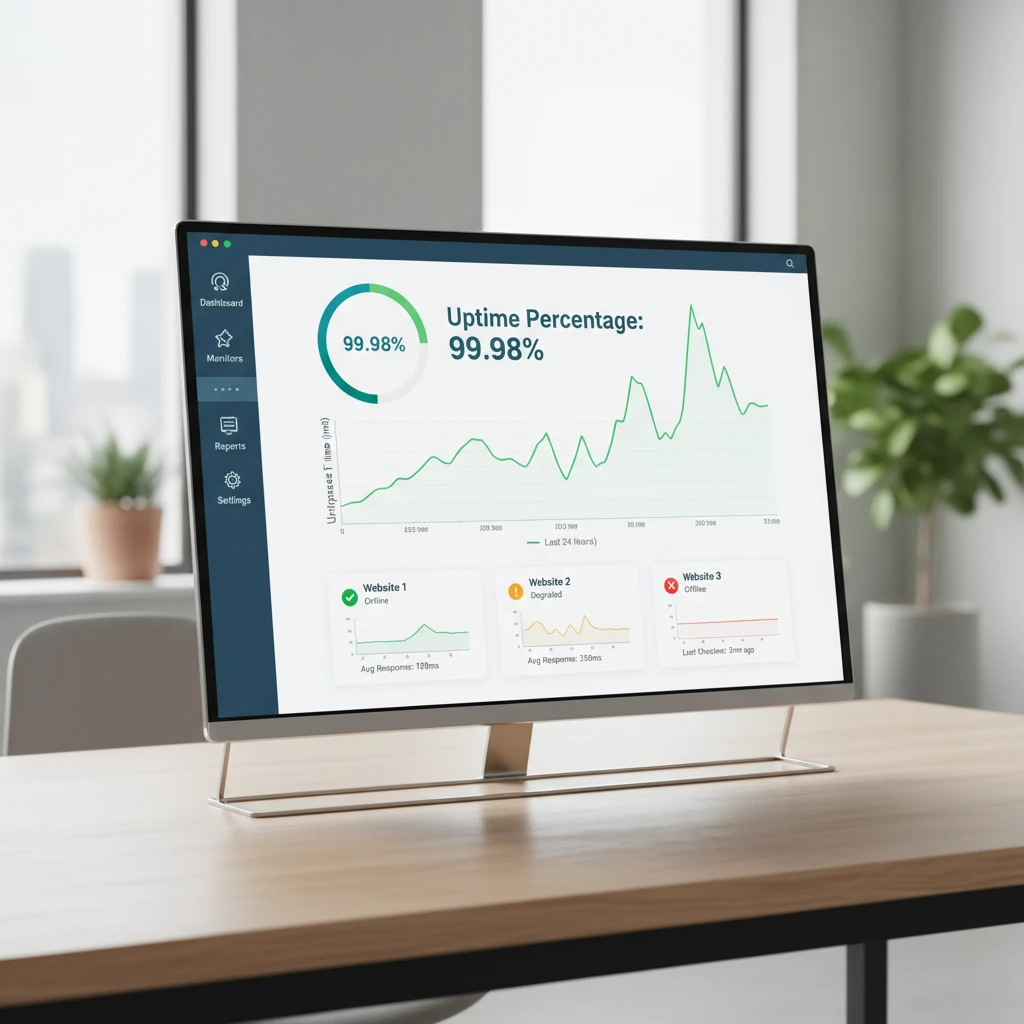
Every minute your website is offline costs you something: sales, leads, ad spend, search visibility or customer trust. The problem is that most outages are not dramatic. A expired SSL certificate, a overloaded database or a failed DNS record can take a site down while your team is asleep. Website uptime monitoring tools exist to catch those failures within seconds and tell you before your customers do.
This guide explains how uptime monitoring works, which features actually matter, how the leading tools compare, and how to set up a monitoring strategy that works in practice.
What Is Website Uptime Monitoring?
Uptime monitoring is the practice of automatically checking your website, server or API at regular intervals to confirm it is available and responding correctly. A monitoring service sends a request to your URL from one or more locations. If the response is slow, wrong or missing, the tool records an incident and notifies you through email, SMS, Slack, push notification or a phone call.
Uptime is usually expressed as a percentage. For example, 99.9% uptime still allows roughly 8 hours and 45 minutes of downtime per year, while 99.99% allows only about 52 minutes. Knowing which number your business needs helps you choose the right tool and check frequency.
Why Uptime Monitoring Matters
Protecting revenue and conversions
For an online store or SaaS product, downtime means lost transactions and frustrated users. Even short interruptions during peak hours can be expensive, and visitors who hit an error page rarely come back to try again.
Safeguarding SEO performance
Search engines crawl your site constantly. Occasional short outages are usually tolerated, but repeated or prolonged server errors can cause crawl problems, dropped pages in the index and ranking losses. Monitoring helps you find and fix issues before they affect organic traffic.
Maintaining customer trust
Reliability is part of your brand. When you can detect problems early and communicate openly through a status page, customers are far more forgiving than when they have to report the outage to you.
Proving service-level performance
If you offer SLAs to clients or run an agency, uptime reports provide documented evidence of availability and help you settle disputes with hosting providers.
Types of Uptime Checks You Should Know
- HTTP/HTTPS monitoring: Requests a URL and checks the status code, such as 200 OK. This is the baseline check for any website.
- Keyword monitoring: Confirms that specific text appears on a page. It catches cases where the server responds but the page shows an error or blank content.
- Ping (ICMP) monitoring: Tests whether a server or device responds on the network.
- Port monitoring: Verifies that services such as SMTP, FTP, SSH or databases are listening on the expected port.
- SSL certificate monitoring: Alerts you before a certificate expires or when it becomes invalid.
- DNS monitoring: Watches for record changes or resolution failures.
- API monitoring: Sends requests with custom headers or payloads and validates the response.
- Transaction or synthetic monitoring: Simulates multi-step user flows such as logging in or completing checkout.
- Heartbeat (cron) monitoring: Expects a signal from a scheduled job and alerts you if it does not arrive.
Key Features to Look For
Check frequency
The shorter the interval, the faster you learn about problems. Free plans often check every five minutes, while paid plans can reach one minute or even every few seconds. For revenue-critical sites, one-minute checks or faster are worth paying for.
Multi-location checks
A single monitoring node can produce false alarms when its own network has trouble. Quality tools verify failures from several regions before alerting you and also reveal regional performance differences.
Flexible alerting
Look for multiple channels, escalation policies, on-call schedules and the ability to silence notifications during maintenance windows. Integrations with Slack, Microsoft Teams, PagerDuty, Opsgenie or webhooks make it easier to fit monitoring into your existing workflow.
Status pages
A public or private status page lets you share incident updates automatically, which reduces support tickets during an outage.
Reporting and historical data
Response time graphs, uptime percentages and incident logs help you spot trends and justify infrastructure upgrades.
Ease of setup and pricing
Good tools let you add a monitor in under a minute. Compare how pricing scales with the number of monitors, check intervals, team members and SMS credits, since those are where costs tend to grow.
Popular Website Uptime Monitoring Tools
The market is crowded, so here is a practical overview of well-known options. Features and plans change often, so always confirm the current details on each vendor’s site.
UptimeRobot
One of the most widely used services, popular with freelancers, small businesses and startups. It supports HTTP, keyword, ping, port and heartbeat monitoring, offers status pages and has a generous free tier, making it an easy starting point.
Pingdom
A long-established name now part of SolarWinds. It combines uptime checks with page speed and real user monitoring, which suits teams that want performance data alongside availability.
StatusCake
Offers uptime, page speed, SSL, domain and server monitoring in one platform. It is a good fit for agencies that manage many client sites.
Better Stack
Combines uptime monitoring with incident management, on-call scheduling, status pages and log management. Its modern interface appeals to development teams that want one place for alerts and response.
Site24x7
A broad monitoring suite from Zoho that covers websites, servers, networks, cloud and applications. It works well for organizations that need wider infrastructure visibility.
Uptime.com
Focused on advanced synthetic checks, many global probe locations and detailed status pages, aimed at mid-sized and enterprise teams.
Datadog and New Relic
Full observability platforms with synthetic monitoring included. They are powerful for complex architectures but may be more than a simple website needs.
Open-source options
Tools such as Uptime Kuma and Gatus can be self-hosted at no license cost. They give you control and privacy, but you must host them on infrastructure separate from the sites you monitor, otherwise an outage could take down your monitor too.
How to Choose the Right Tool
- Small blog or brochure site: A free plan with five-minute checks and email alerts is usually enough.
- Online store or lead-generation site: Choose one-minute checks, multi-location verification, SSL monitoring and SMS or push alerts.
- SaaS or API product: Prioritize API checks, transaction monitoring, status pages and on-call integrations.
- Agency: Look for bulk monitor management, white-label reports and client-facing status pages.
- Enterprise: Consider full observability, role-based access, audit logs and strict SLAs from the vendor.
Best Practices for Setting Up Uptime Monitoring
Monitor what users actually do
Do not stop at the homepage. Add checks for login pages, search, checkout, key landing pages and API endpoints. A site can load its homepage perfectly while payments are broken.
Use keyword validation
A server returning a 200 status with an error message is still down for users. Checking for expected content catches these silent failures.
Reduce alert fatigue
Require confirmation from multiple locations, set sensible retry rules and route alerts by severity. If everything is urgent, nothing is. Send critical outages to phone or on-call tools and minor warnings to email or chat.
Track SSL and domain expiry
Expired certificates and domains are among the most avoidable causes of downtime. Set reminders at 30, 14 and 7 days before expiry.
Schedule maintenance windows
Pause alerts during planned work so your reports stay accurate and your team does not ignore real warnings.
Monitor from outside your own network
Your monitoring should run independently from your hosting environment. Use a third-party service or a separate provider if you self-host.
Review reports regularly
Check response time trends monthly. Slowly rising latency often warns of a bigger problem, such as resource exhaustion, long before an outage happens.
Common Mistakes to Avoid
- Monitoring only the homepage and ignoring critical user journeys.
- Relying on email alone for urgent incidents.
- Using a check interval that is too long for your business risk.
- Hosting a self-managed monitor on the same server as the website.
- Ignoring response time and treating availability as a simple yes or no.
- Having no incident process, so alerts arrive but nobody knows who responds.
Building an Incident Response Plan
Monitoring is only half the job. Decide in advance who gets alerted, who investigates, how you communicate with customers and how you document the cause afterward. A short post-incident review after each outage turns failures into lasting improvements.
Final Thoughts
Reliable website uptime monitoring tools are one of the cheapest forms of insurance available to any online business. Start by defining how much downtime you can afford, pick a tool that matches your check frequency, alerting and reporting needs, and monitor the pages and services that matter most to your users. Many providers offer free plans or trials, so you can test two or three options before committing. The best time to set up monitoring was before your last outage; the next best time is today.
Frequently Asked Questions
Are free uptime monitoring tools good enough?
For personal sites and small projects, yes. Free plans typically offer basic HTTP checks at longer intervals. Businesses that depend on their site for revenue usually benefit from paid plans with faster checks and better alerting.
How often should I check my website?
One-minute intervals are a strong standard for commercial sites. Less critical sites can use five-minute checks without much risk.
Can uptime monitoring improve SEO?
Indirectly, yes. By helping you detect and resolve server errors and slow responses quickly, it supports consistent crawling and a better user experience, both of which contribute to search performance.
What is a good uptime percentage?
Most businesses aim for at least 99.9%. Mission-critical services often target 99.99% or higher, which requires redundant infrastructure as well as monitoring.