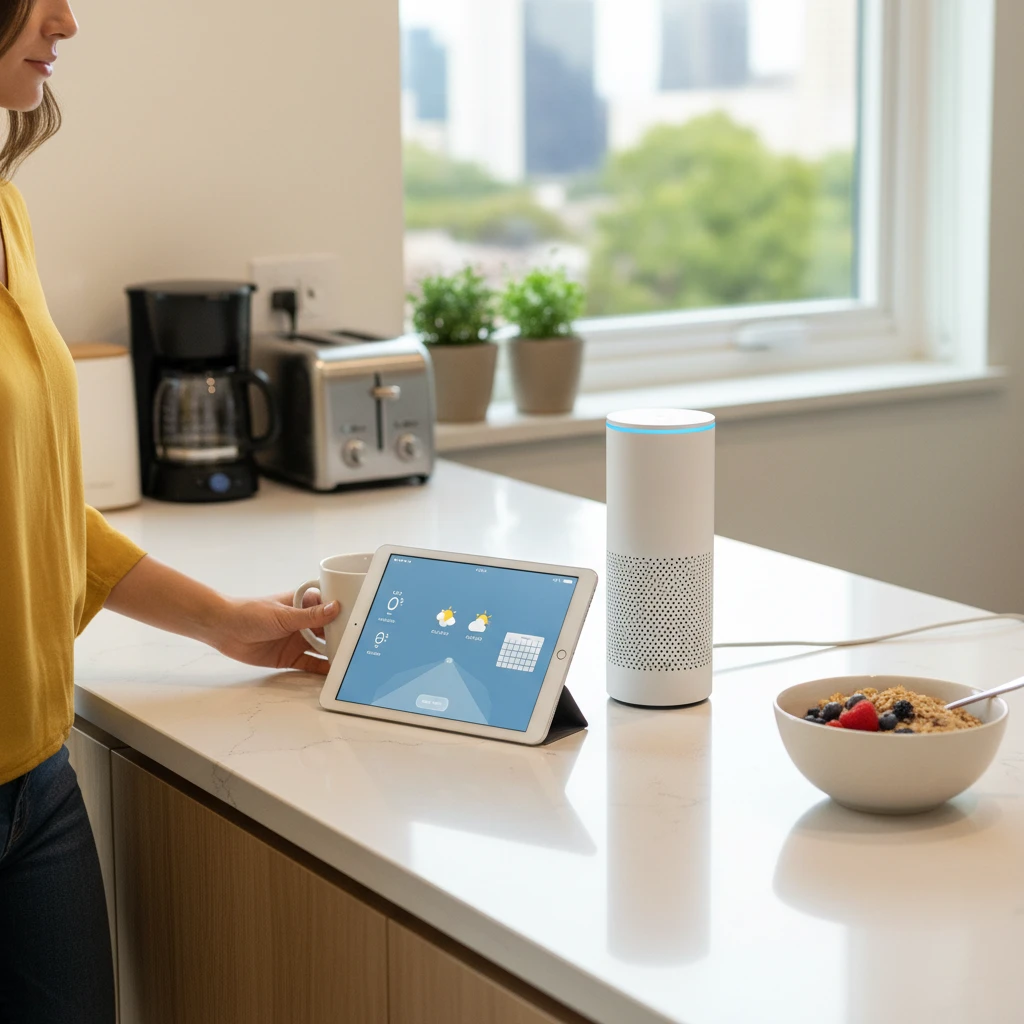
Most people use their voice assistant for a timer or the weather and never go further. The real value comes from routines: a single phrase, time, or trigger that runs several actions in a row. Instead of giving five separate commands, you say one thing and your home, calendar, and music all respond. This guide covers practical routines that save time every day, and how to build them on Alexa, Google Assistant, and Siri.
What Is a Voice Assistant Routine?
A routine is a saved chain of actions tied to a trigger. The trigger can be a spoken phrase, a scheduled time, an alarm, a location, or a smart-device event such as a door sensor opening. The actions can include reading information, adjusting lights and thermostats, playing audio, sending reminders, or controlling compatible appliances.
- Alexa: called Routines, built in the Alexa app.
- Google Assistant: called Routines, managed in the Google Home app.
- Siri: uses Shortcuts and Home automations on iPhone, iPad, and HomePod.
The names differ, but the logic is the same: pick a trigger, add actions, test, and refine.
Morning Routines That Get the Day Moving
The Good Morning Briefing
This is the most popular routine for good reason. Set it to run with your alarm or when you say good morning. A solid version does the following:
- Turns on the bedroom or kitchen lights gradually.
- Reads today’s weather and expected commute time.
- Summarizes your calendar events.
- Plays a short news briefing or your favorite playlist.
- Starts the coffee maker if it is connected to a smart plug.
The Leaving Home Routine
Trigger it with I’m leaving or by location when your phone leaves your home area. It can turn off all lights, lower the thermostat, lock smart locks, and arm a security system. Add a spoken reminder to check keys, wallet, and bag, and you will rarely return for forgotten items.
Productivity Routines for Work and Study
Focus Mode
Say start focus time and let the assistant set a 50-minute timer, play ambient or instrumental music at low volume, turn your desk light to a cool white tone, and silence non-essential notifications. When the timer ends, it can announce a break and suggest stretching.
End-of-Workday Shutdown
A clear boundary between work and home helps mental health, especially for remote workers. A shutdown routine can read tomorrow’s first three calendar events, dim the office lights, pause work-related smart plugs, and switch the speaker to relaxing music.
Meeting Prep
Trigger a routine five minutes before a meeting that announces the event, turns on a ring light or webcam-area lamp, and sets your status lights to busy. It is a small touch that removes last-minute scrambling.
Household and Family Routines
Kitchen and Cooking
Hands covered in flour are the perfect time for voice control. Create a cooking routine that turns on bright kitchen lights, starts a recipe playlist, and sets a series of timers. You can also build a shopping routine where saying add to the list sends items to a shared grocery list that everyone in the household can see.
Kids’ Homework and Chore Time
Use a routine to announce homework time at 4:30 p.m., play calm music, and set a timer. For chores, a routine can read out a rotating task list or reward completion with a fun sound or a joke. Many assistants also let you limit explicit content and restrict purchases for child profiles.
Pet Care Reminders
Schedule spoken reminders for feeding, walks, and medication. If you use a smart feeder, the same routine can dispense food and announce that it was done, so two family members don’t both feed the dog.
Evening and Sleep Routines
Dinner Is Ready
Instead of shouting up the stairs, say dinner time and let the assistant broadcast a message to every speaker in the house, then dim the living room lights and pause the TV if it is compatible.
Bedtime Wind-Down
This is where routines pay off the most. A good bedtime routine can:
- Lock the doors and check that the garage is closed.
- Turn off all lights except a dim night light.
- Set the thermostat to a comfortable sleeping temperature.
- Read tomorrow’s weather and first appointment.
- Play white noise, rain sounds, or a sleep story with an automatic stop timer.
- Set your morning alarm.
Routines for Energy Savings and Safety
Voice routines are not just about convenience. They can lower utility bills and add peace of mind.
- Energy saver: turn off idle smart plugs and set the thermostat back when everyone leaves.
- Vacation mode: randomly turn lights on and off in the evening to make the house look occupied.
- Safety check: a single phrase that reports whether doors are locked, windows are closed, and any sensor has been triggered.
- Medication reminder: a recurring spoken alert at the correct times, helpful for older family members.
How to Set Up a Routine Step by Step
On Alexa
Open the Alexa app, tap More, choose Routines, and press the plus sign. Select a trigger such as a voice phrase or schedule, add actions, pick the device that will respond, and save.
On Google Assistant
Open the Google Home app, tap Automations, and create a new household or personal routine. Set the starter (a command, time, or sunrise and sunset), add actions, and save.
On Siri
Open the Shortcuts app for personal automations, or the Home app to build automations for accessories. Choose a trigger such as time of day, arriving, or leaving, then add actions and confirm.
Tips for Building Routines That Actually Work
- Start small. Begin with two or three actions and add more once they work reliably.
- Use natural trigger phrases. Short, distinct phrases prevent accidental activations and misunderstandings.
- Add small delays. A few seconds between actions avoids devices missing commands.
- Test at different times. Volume, lighting, and calendar content can behave differently in the morning and at night.
- Review regularly. Remove outdated actions and adjust times when your schedule changes.
- Protect your privacy. Disable voice purchasing without a PIN, review what is stored in your voice history, and limit sensitive information read aloud on shared speakers.
Common Problems and Quick Fixes
If a routine does not run, first check that every device is online and linked to the same account or home. Make sure the trigger phrase is not conflicting with another command. If an action fails only sometimes, add a delay or split a long routine into two shorter ones. Finally, keep your assistant app and device firmware updated, since many bugs are resolved in routine updates.
Final Thoughts
The best voice assistant routines are the ones you barely notice because they quietly remove small frictions: the missing light switch, the forgotten reminder, the repeated question about the weather. Pick one daily moment that feels annoying, automate it this week, and then expand. Within a month, a handful of well-designed routines can give you back real time and make your home feel noticeably smarter.