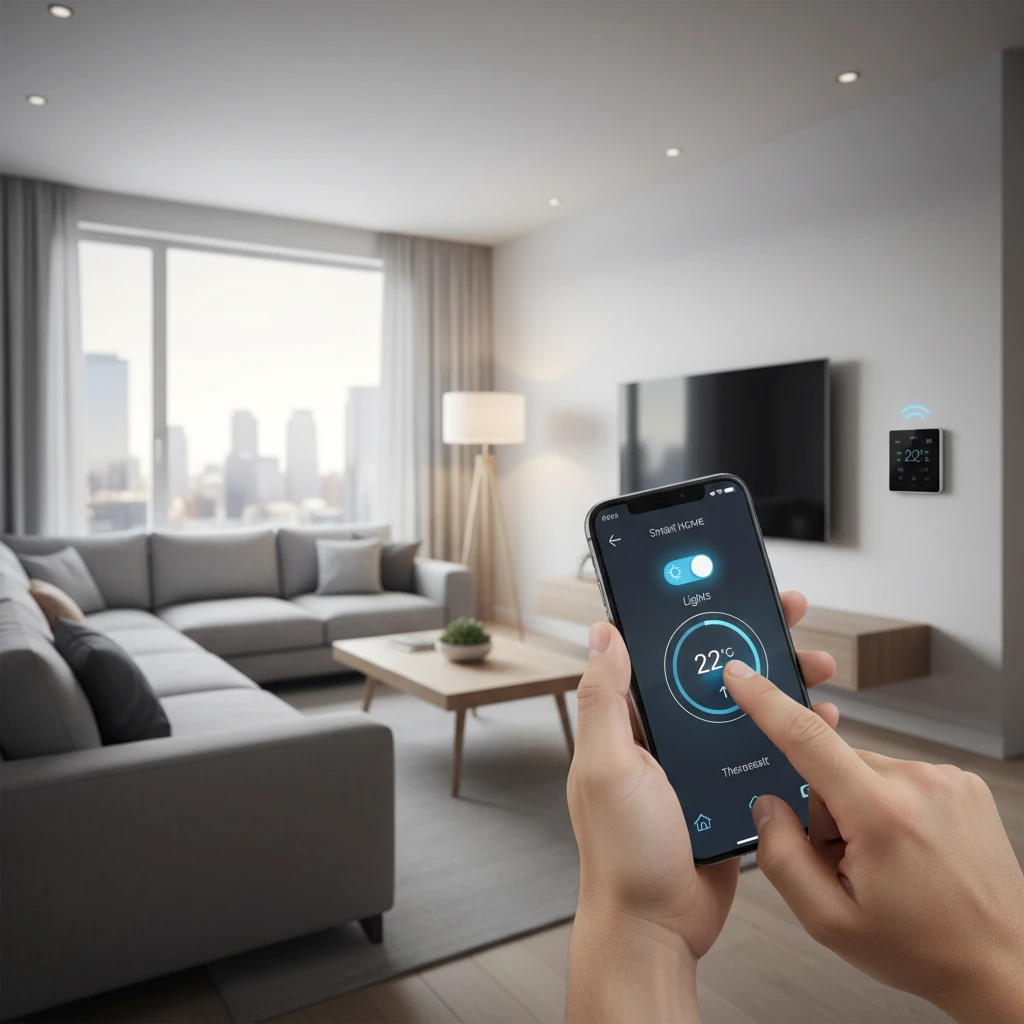
Smart home automation sounds futuristic, but today it is one of the easiest and most affordable upgrades you can make to your home. With a smart speaker, a few bulbs, and a free app, you can control lights by voice, lower your energy bills, and make your home feel safer. This guide explains smart home automation for beginners in plain language, so you can start small and grow with confidence.
What Is Smart Home Automation?
Smart home automation means connecting devices in your house to the internet or a local network so they can be controlled remotely and can work together automatically. Instead of flipping a switch, you tell a voice assistant, tap a phone screen, or let a schedule or sensor do the work for you.
There are three core ideas to understand:
- Control: You operate devices from an app, a voice assistant, or a wall button.
- Automation: Devices act on their own based on time, location, or sensor input, for example lights turning on at sunset.
- Integration: Devices from different categories cooperate. A door sensor can trigger lights, a camera, and a notification together.
Benefits of a Smart Home
Convenience
Routines remove small daily chores. A single ‘Good night’ command can lock the doors, turn off lights, and set the thermostat to a sleeping temperature.
Energy Savings
Smart thermostats learn your schedule and avoid heating or cooling an empty house. Smart plugs and LED bulbs help you cut standby power and wasted light. Many households see noticeable savings on utility bills over a year.
Security and Peace of Mind
Video doorbells, smart locks, and motion sensors alert you to activity while you are away. You can check whether the garage door is closed from anywhere.
Accessibility
Voice control and automatic lighting make life easier for older adults, young children, and people with limited mobility.
Step 1: Choose Your Ecosystem
The ecosystem is the platform that ties your devices together. Choosing one early prevents compatibility headaches. The most common options are:
- Amazon Alexa: Wide device support, affordable Echo speakers, and strong routines.
- Google Home: Excellent voice recognition and good integration with Android and Nest products.
- Apple Home (HomeKit): Strong privacy focus and smooth iPhone integration, though with fewer compatible products.
- Samsung SmartThings: A flexible hub-based platform that supports many protocols.
- Home Assistant: A free, open-source option for advanced users who want full local control.
If you are unsure, pick the one that matches the phone and speaker you already own. Most beginners are happy with Alexa or Google Home.
Step 2: Understand the Basics of Connectivity
Smart devices talk to each other using different wireless standards. You do not need to be an expert, but a quick overview helps you shop wisely.
- Wi-Fi: Easy setup and no hub required, but too many devices can crowd your router.
- Bluetooth: Good for short range and simple setup, often used for initial pairing.
- Zigbee and Z-Wave: Low-power mesh networks that need a hub and are very reliable for sensors and switches.
- Thread and Matter: Newer standards designed to make devices from different brands work together. Look for the Matter logo when buying new gear.
Tip: Choosing Matter-compatible devices is the best way to future-proof your setup.
Step 3: Start With These Beginner-Friendly Devices
Smart Speaker or Display
A smart speaker acts as your command center. It lets you control devices by voice, set timers, play music, and manage routines. A display adds a screen for cameras and dashboards.
Smart Bulbs and Switches
Smart bulbs are the classic first purchase. They screw into existing lamps and let you dim, change color, and schedule lighting. Smart switches replace wall switches and control regular bulbs, which is ideal for rooms with many fixtures.
Smart Plugs
A smart plug turns almost any appliance into a smart one. Use it for lamps, fans, coffee makers, or holiday lights. It is cheap, requires no tools, and is perfect for experimenting.
Smart Thermostat
This is often the device with the best return on investment. It adjusts temperature automatically and shows your energy use. Check that it is compatible with your heating and cooling system before buying.
Video Doorbell and Cameras
See who is at the door, talk to visitors, and receive motion alerts. Consider whether you prefer cloud storage subscriptions or local storage options.
Smart Lock
Unlock your door with a code, fingerprint, or phone, and share temporary access with guests or cleaners. Choose a model that keeps a mechanical key backup.
Step 4: Set a Realistic Budget
You can begin with very little money. A rough guide:
- Under $50: One smart speaker or a few smart plugs and bulbs.
- $100 to $250: A speaker, several bulbs, plugs, and a video doorbell.
- $300 and up: A thermostat, smart lock, cameras, and multiple sensors.
Buy in stages. Use each device for a few weeks to see if it truly improves your daily life before expanding.
Step 5: Build Simple Automations
Automation is where a smart home becomes truly useful. Begin with easy routines:
- Morning routine: Lights fade on slowly and the thermostat warms the house at your wake-up time.
- Leaving home: When your phone leaves the area, lights turn off and the thermostat enters eco mode.
- Arriving home: The porch light turns on and the door unlocks as you approach.
- Bedtime: One voice command locks doors and turns off all lights.
- Vacation mode: Lights turn on and off randomly to make the house look occupied.
Keep rules simple. Too many overlapping automations can cause confusing behavior that is hard to debug.
Step 6: Protect Your Privacy and Security
Every connected device is a potential entry point, so basic digital hygiene matters.
- Use a strong, unique password for your Wi-Fi network and each device account.
- Turn on two-factor authentication wherever it is offered.
- Keep firmware and apps updated to receive security patches.
- Create a separate guest or IoT network on your router for smart devices.
- Review app permissions and disable microphone or camera features you do not need.
- Buy from reputable brands that provide long-term software support.
Common Beginner Mistakes to Avoid
- Mixing too many platforms: Stick to one ecosystem or Matter-compatible gear.
- Ignoring Wi-Fi strength: Weak coverage causes dropped devices. Consider a mesh router if needed.
- Buying every gadget: Focus on problems you actually want to solve.
- Skipping manual controls: Guests and family members should still be able to use lights without an app.
- Forgetting a backup plan: Know what happens during a power or internet outage.
Troubleshooting Quick Tips
If a device goes offline, restart it first, then your router. Make sure it is on the 2.4 GHz band if it does not support 5 GHz. Check for app updates, and if all else fails, remove the device and add it again. Naming devices clearly, such as ‘Living Room Lamp’, also helps voice commands work correctly.
Frequently Asked Questions
Do I need a hub?
Not always. Wi-Fi devices work without one, but a hub improves reliability and speed if you plan to use many Zigbee or Z-Wave sensors.
Will smart devices work without the internet?
Some do, especially those using local control through Matter, Zigbee, or Home Assistant. Many cloud-based devices lose features when offline, though basic manual operation usually remains.
Is a smart home difficult to install?
Most beginner devices need no tools. Smart plugs and bulbs take minutes, while thermostats and switches may require basic wiring or a professional electrician.
Can renters have a smart home?
Yes. Smart bulbs, plugs, speakers, and plug-in cameras require no permanent changes and move with you.
Final Thoughts
Smart home automation for beginners does not have to be complicated or expensive. Choose one ecosystem, start with a speaker and a few bulbs or plugs, add simple routines, and secure your network. As you gain confidence, expand with a thermostat, sensors, and security devices. By growing step by step, you will build a home that is more comfortable, efficient, and safe, without feeling overwhelmed.